
Your library, on your terms.
Kineplex plays the film files you already own, locally on your computer. Choose a folder for My Films, then return to the titles you watch most without another streaming plan or an internet connection.
Keep the small details close.
Load .srt or .vtt subtitles where you need them. Use the large fullscreen control for the simple cinema view, change playback speed when it helps, and use Stop to save your place.
Return without hunting for the file.
Recently Played keeps your last ten films to hand and resumes from where you stopped. It is a small detail that makes a local library feel like a proper place to watch.
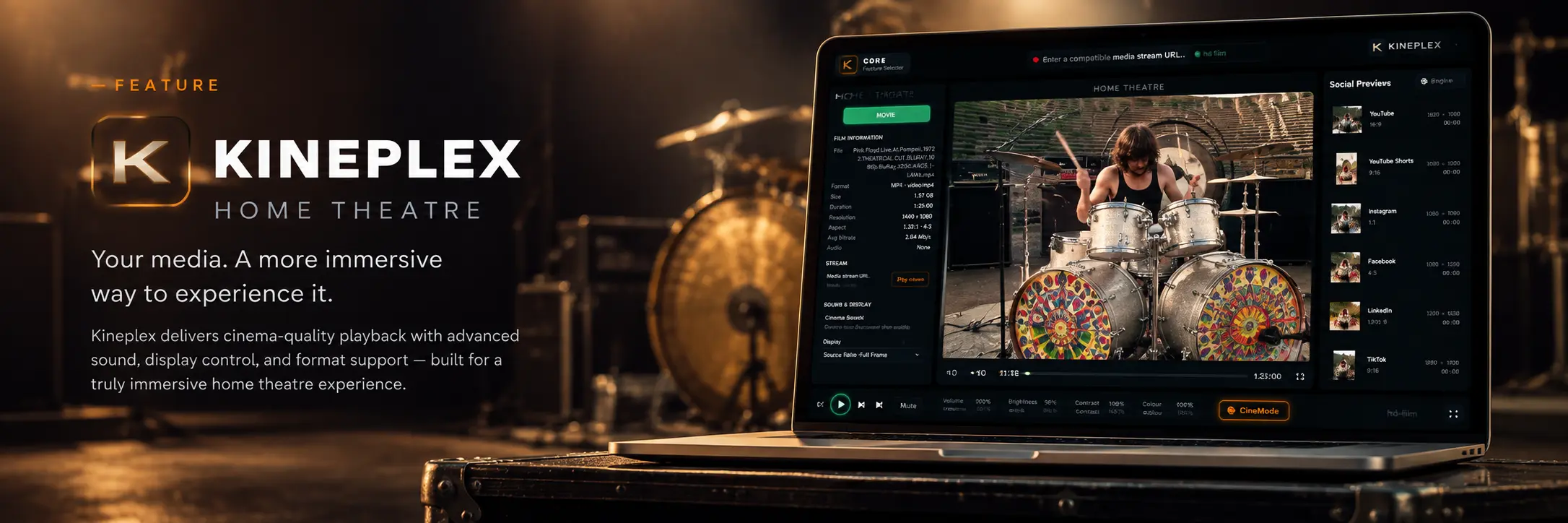
A local library that handles real-world files.
- Common film formatsPlay common video files including MKV, MOV, MXF, AVI and WebM.
- Subtitle supportLoad .srt or .vtt subtitle files alongside your film.
- My FilmsChoose the folder that forms your own local library.
- Recently PlayedKeep the last ten films close at hand, with your place saved when you stop.