
Your computer is the primary workspace.
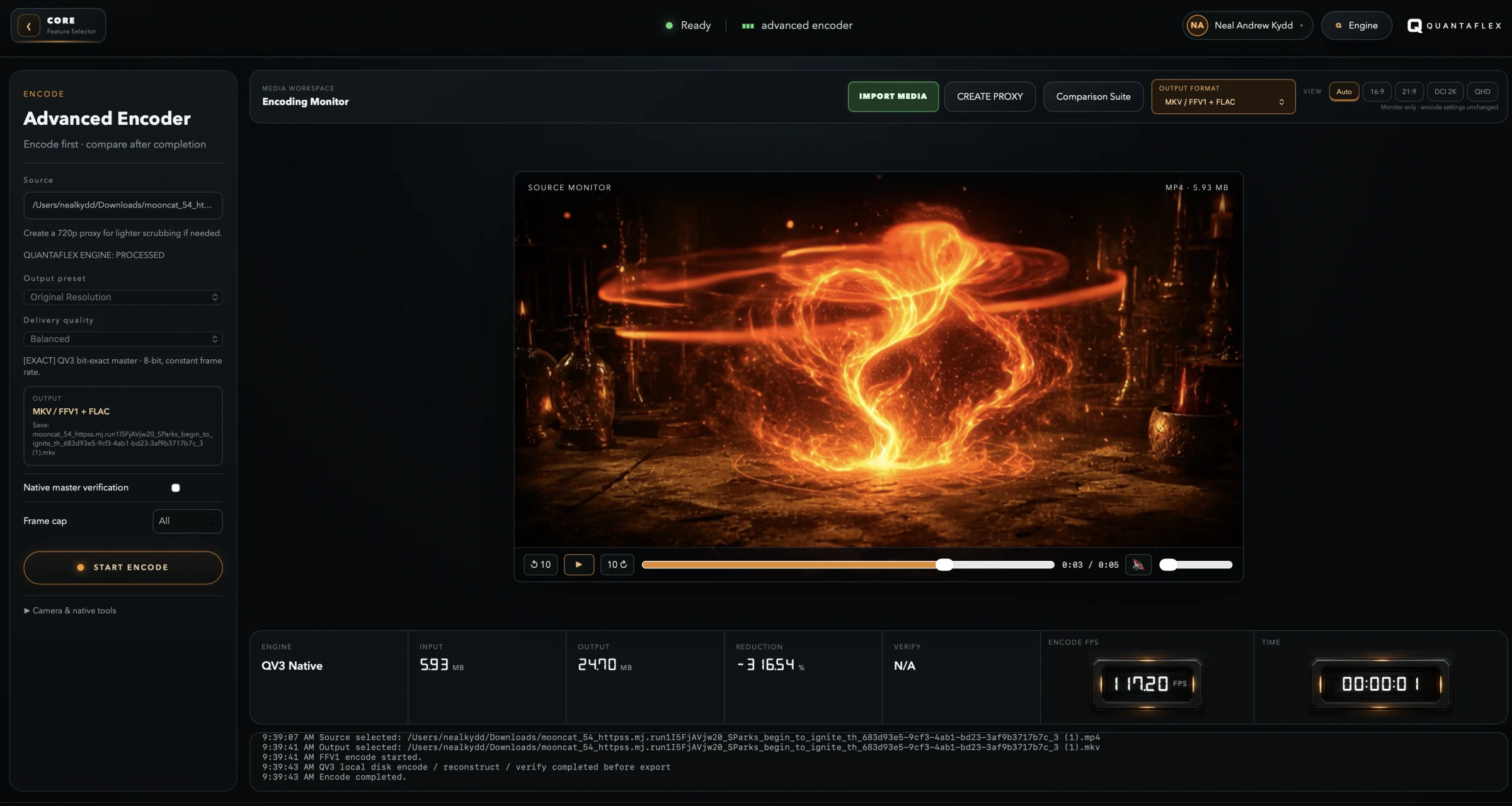
Import media, build a post, inspect a file, prepare an encode or play a film where the source already lives: on your own machine.
The cloud has a supporting role.
Go online for activation, calls and publishing. FlexCam can publish to connected YouTube and LinkedIn accounts, or create export-ready files for other platforms.
Computer first. Cloud second.
Keep the source close
Prepare, inspect, encode and play the files on your computer.
Use online services when needed
Calls and publishing connect when you ask them to.
Keep the workflow
One permanent licence. No monthly rent on your media tools.
Useful questions.
What can I use offline?
After activation, FlexCam editing and export, Advanced Encoder, Kineplex and Media Inspector can all be used locally. Calls and publishing need an internet connection.
Where do my media files stay?
Core media preparation happens on the computer you control. Quantaflex connects online only when that specific job requires it.