
Read the file, not the label.
Two files can both be called final.mp4 and still be completely different. One may be a compatible delivery file; another may use a codec, frame rate, colour setting or audio format that is unsuitable for the next job.
Container, codec and streams answer different questions.
The container packages the file. The video and audio codecs describe how the streams are compressed. Resolution, frame rate, bitrate, pixel format, colour and audio layout then tell you what those streams require from an editor, player or delivery platform.
Inspect before you spend time.
A technical report gives you a useful pre-flight check before combining clips, preparing a transcode or sending a file to someone else. It replaces guesswork with the facts you can act on.
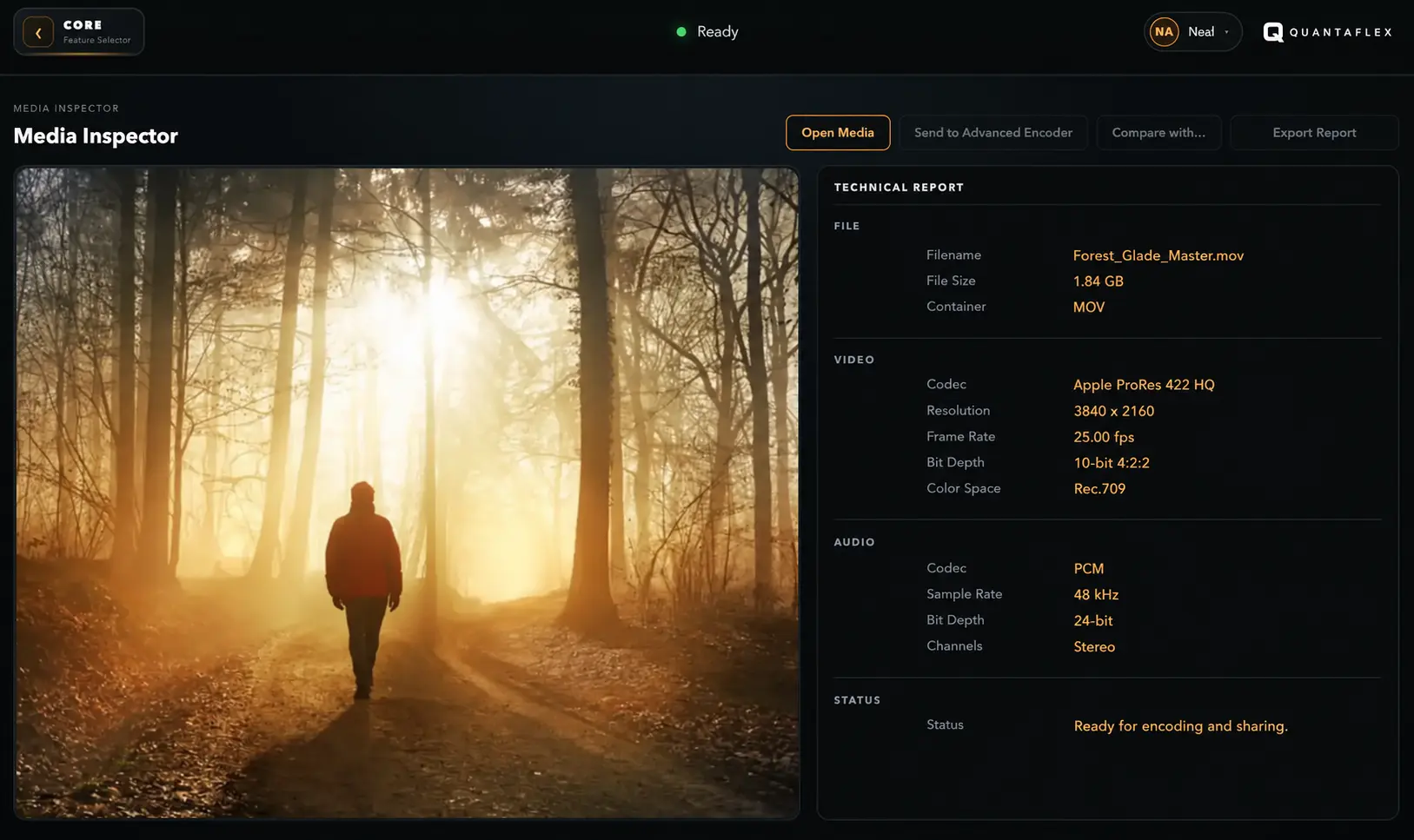
The facts worth checking before the next step.
Identify the container and codec
MP4, MOV, MKV and WebM are wrappers. Check the actual video and audio codecs inside them.
Read the video properties
Resolution, aspect ratio, frame rate, bitrate and colour information help you choose a sensible edit or encode path.
Check the audio stream
Audio codec, sample rate, channels and bitrate are separate technical details worth seeing before delivery.
Useful questions before you move a media file on.
What information should I check inside a video file?
Check the container, video codec, resolution, aspect ratio, frame rate, bitrate, colour information, audio codec, sample rate and channels. These facts determine how a file will behave in the next stage of a workflow.
Why can two MP4 files behave differently?
MP4 is a container, not a full description of the media inside it. The video codec, audio streams, frame rate, colour and other technical properties can differ significantly between two files with the same extension.
Should I inspect a video before encoding or sharing it?
Yes. Reading the technical facts first helps identify mismatched footage, unsuitable delivery settings and the best next step before an encode or upload takes time.