
Start the session, then share one code.
Cam2Cam uses a room code for joining. The host starts the session and copies the code; the other person enters it to join. The conversation begins with less account friction and a clearer sense of who is in the room.
Keep the work in the call.
Camera, microphone, screen sharing, text chat, background effects and layout controls stay together in the same workspace. Screen sharing uses its own channel, keeping the conversation and the shared material legible.
Keep the recording local.
When you record a session, the file is saved on your own computer. The connection is encrypted and Quantaflex does not retain copies of your calls.
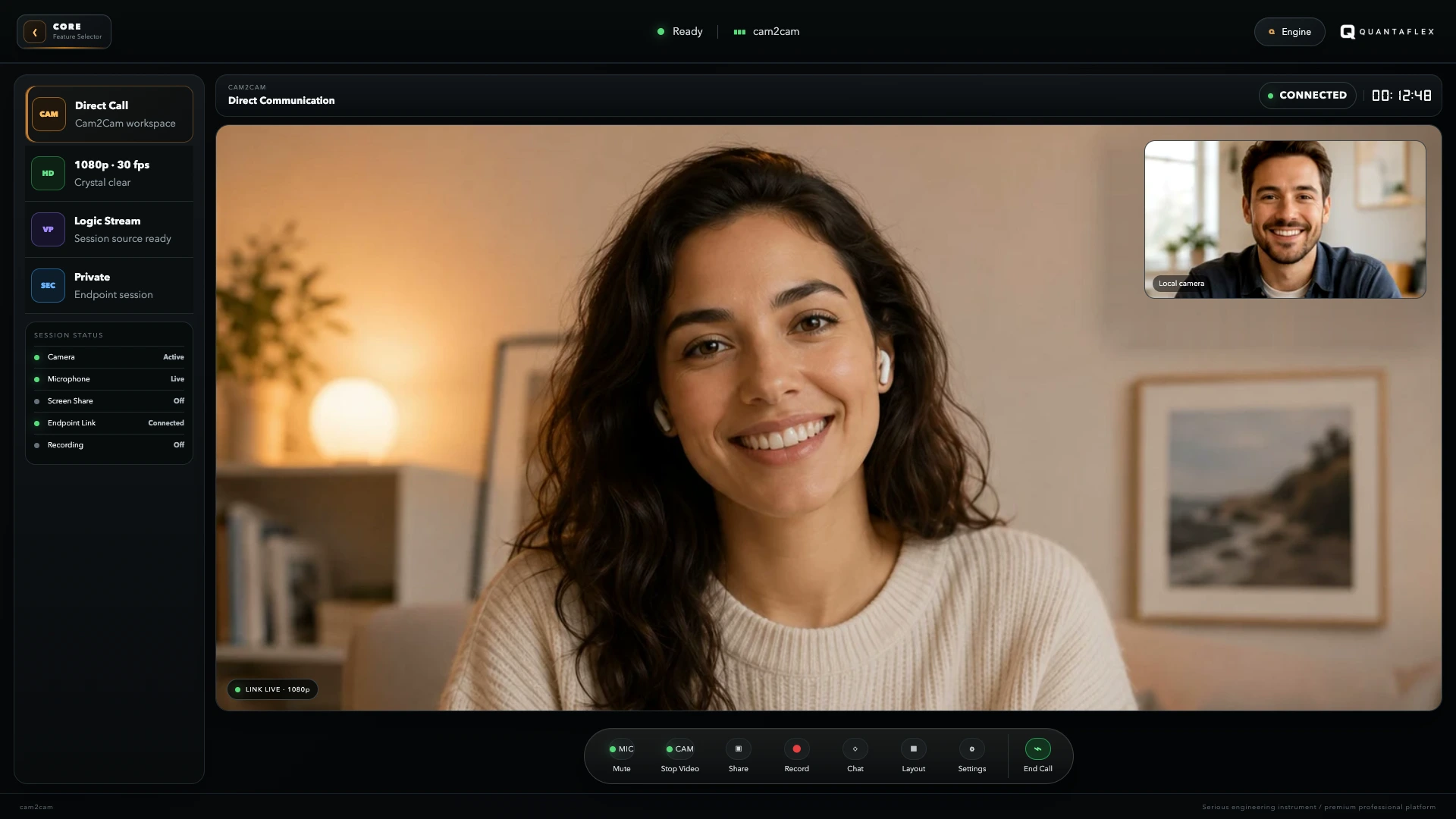
A straightforward private-call workflow.
Create the room
Prepare your camera, microphone and layout, then start the session.
Share the room code
Copy the code and send it to the person you want to bring into the call.
Keep the focus
Use camera, chat, screen sharing, background effects and local recording without leaving the workspace.