
Start with the destination.
Before choosing a codec, decide where the file is going: a social post, a client review, a presentation, a cinema screen, or a long-term master. The delivery requirement determines the sensible trade-off between file size, processing time and retained detail.
Codec, container and bitrate are different decisions.
A codec is the method used to compress the video. H.264 is widely compatible; HEVC can reduce file size at comparable quality where playback support is available; ProRes is commonly used for high-quality production files; and AV1 is designed for efficient modern delivery. A container such as MP4 or MOV packages video, audio and metadata together. Bitrate controls how much data the codec may use over time.
Keep a quality source.
Every lossy export is a new delivery copy. Preserve the source or a high-quality master, then make platform-ready versions from that file. It is the simplest way to avoid a project gradually losing detail each time it is resized, reposted or re-encoded.
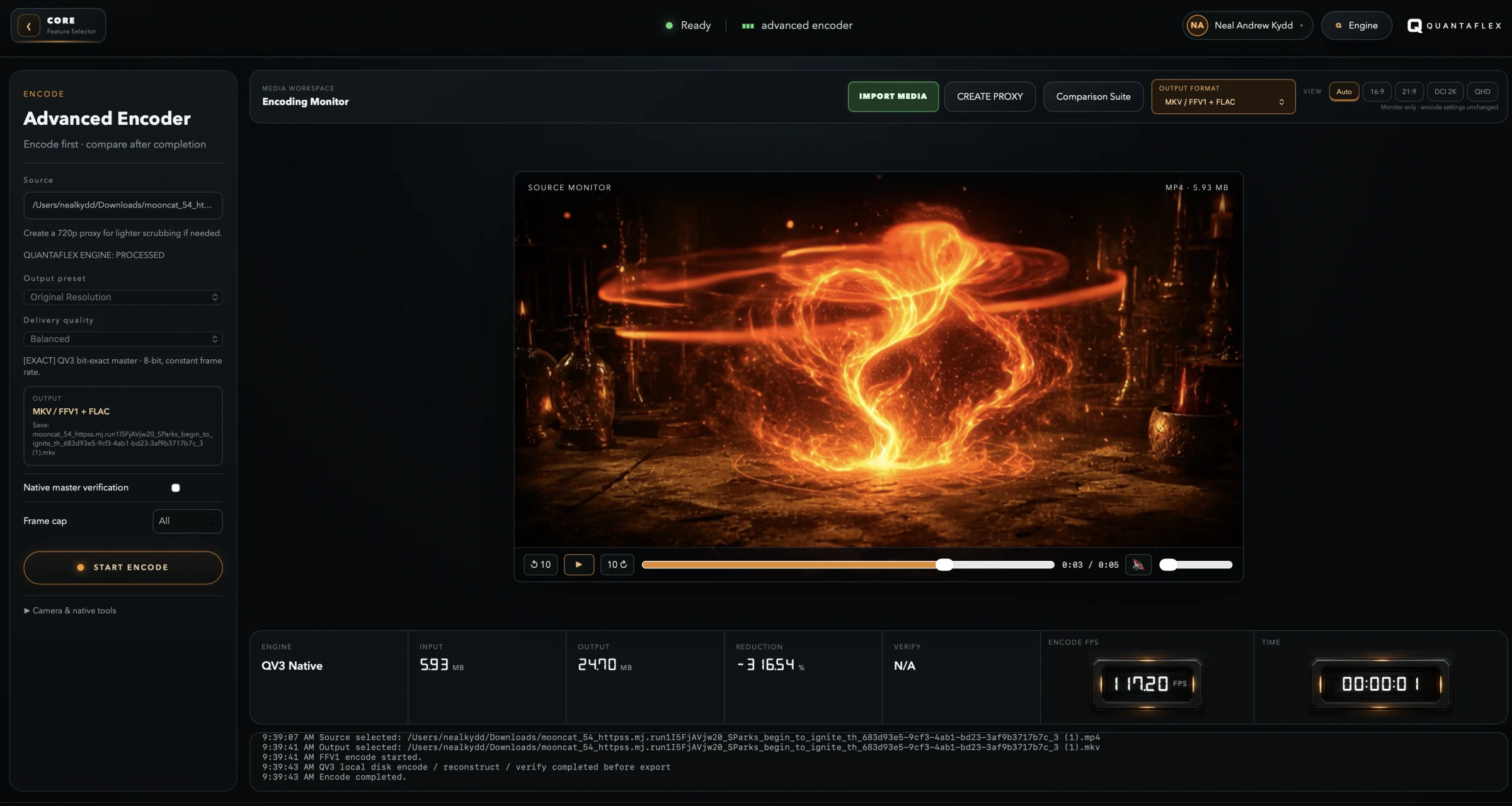
A clean encoding checklist.
Inspect before you export
Check the resolution, frame rate, audio layout and codec in the file you were given. Do not guess what is inside it.
Choose for playback
Match the codec and container to where the audience will view it. Compatibility is a feature, not an afterthought.
Make deliberate copies
Give each delivery export a clear purpose: a social cut, review copy, upload file or archive-quality master.
Useful questions before you compress video.
How can I compress video without losing more quality than necessary?
Use the correct frame size and frame rate for the destination, select a capable codec, then test a short export before processing the full file. Lower bitrate reduces size, but it also removes data, so begin from the minimum quality that the intended platform and audience actually need.
What is the difference between a codec and a container?
The codec compresses and reconstructs media streams. The container packages those streams, metadata and timing information into a file. MP4 and MOV are common containers; H.264, HEVC and AV1 are examples of video codecs.
Can I prepare video locally instead of uploading my source files?
Yes. A local-first desktop workflow lets you inspect and encode media on the computer you control. Online publishing and video calls naturally use a connection, but the core media preparation can remain local.